
AlmaLinux 10: the cost of a broken sudoers and how to avoid it
Test scope
Section titled “Test scope”In an AlmaLinux 10.2 VM (kernel 6.12.0-211.64.1.el10_2): a drop-in grant, visudo -c including a failure case, sudo -l -U, and allowed versus disallowed commands as a normal user. Log: plans/content-expansion/evidence/logs/alma-sudoers-basics.log.
The cost first: one bad rule breaks sudo globally
Section titled “The cost first: one bad rule breaks sudo globally”echo "this is bad" | sudo tee /etc/sudoers.d/badsudo visudo -c; echo "rc=$?"/etc/sudoers.d/bad:1:9: syntax errorthis is bad ^~~rc=1A single broken drop-in can make sudo unusable for everyone. The order is always: write → visudo -c → rely on it.
Three hard requirements for drop-ins
Section titled “Three hard requirements for drop-ins”| Requirement | Reason |
|---|---|
| Mode 440 | sudo refuses files writable by group or others |
No dot in the name, no trailing ~ | Such files are skipped |
@includedir /etc/sudoers.d in the main file | Otherwise the directory is ignored |
sudo printf 'labuser ALL=(root) NOPASSWD: /usr/bin/systemctl status sshd\n' | sudo tee /etc/sudoers.d/labsudo chmod 440 /etc/sudoers.d/labThe cloud image’s own 90-cloud-init-users
Section titled “The cloud image’s own 90-cloud-init-users”sudo ls -l /etc/sudoers.d/sudo visudo -c-r--r----- 1 root root 84 ... /etc/sudoers.d/90-cloud-init-users/etc/sudoers: parsed OK/etc/sudoers.d/90-cloud-init-users: parsed OK/etc/sudoers.d/lab: parsed OKCloud images pre-grant cloud-init users (for example alma ALL=(ALL) NOPASSWD:ALL). Do not miss it during audits — it explains many “why does this user have passwordless sudo” questions.
Audit and measure
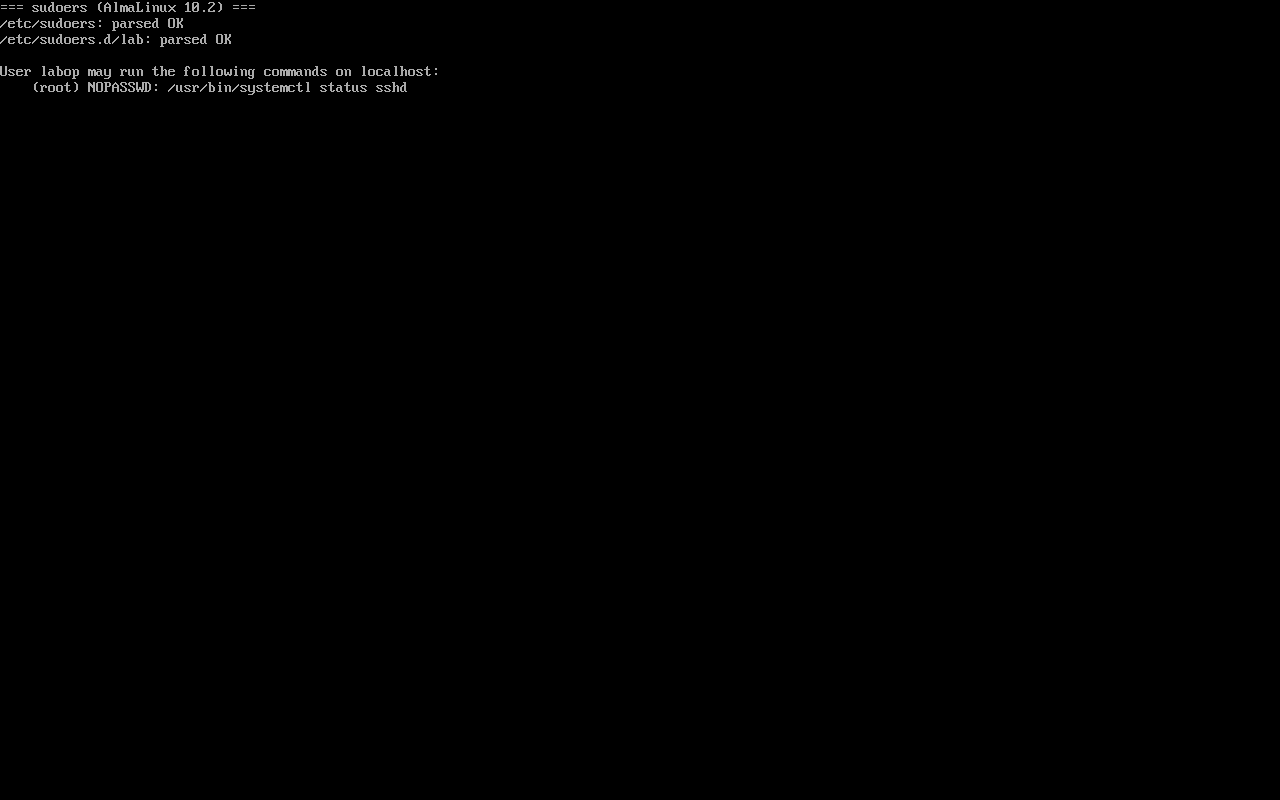
Section titled “Audit and measure”sudo -l -U labusersu - labuser -c 'sudo -n /usr/bin/systemctl status sshd | head -2'su - labuser -c 'sudo -n /usr/bin/id'User labuser may run the following commands on alma10-lab: (root) NOPASSWD: /usr/bin/systemctl status sshd● sshd.service - OpenSSH server daemonsudo: a password is requiredThe listed command runs; anything else falls back to a password check and fails for a passwordless user — least privilege in action.
Common traps
Section titled “Common traps”- No validation: one bad rule breaks sudo globally;
- Mode 644: the file is ignored and the grant silently does nothing;
- Granting bare systemctl: that is control over every service;
- Ignoring 90-cloud-init-users: the audit misses the image’s own passwordless rules.
Practice: break it, then fix it
Section titled “Practice: break it, then fix it”echo "bad line" | sudo tee /etc/sudoers.d/badsudo visudo -c; echo "rc=$?"sudo rm -f /etc/sudoers.d/badsudo visudo -c; echo "rc=$?"Checks:
- The first
visudo -creturns rc=1 and points at the line and column - After deleting the file rc=0
sudokept working throughout (the bad file was fixed before it was relied on)
常见问题
Can I still use sudo after breaking sudoers?
Once the broken file is loaded sudo reports a syntax error and refuses to run. As root, delete or fix the file directly instead of relying on sudo.
Is it safe to delete 90-cloud-init-users?
Possible, but first confirm the passwordless grant is no longer needed; deleting it removes sudo access for that cloud-init user and may lock out your operations entry point.
Does 440 versus 400 matter?
440 lets the root group read it, which helps audit tooling; 400 is root-only. sudo accepts both and 440 is the common convention.
Next steps
Section titled “Next steps”- SELinux basics: SELinux basics
- Network triage: Five levels of network troubleshooting
- Post-install checks: 7 checks after install